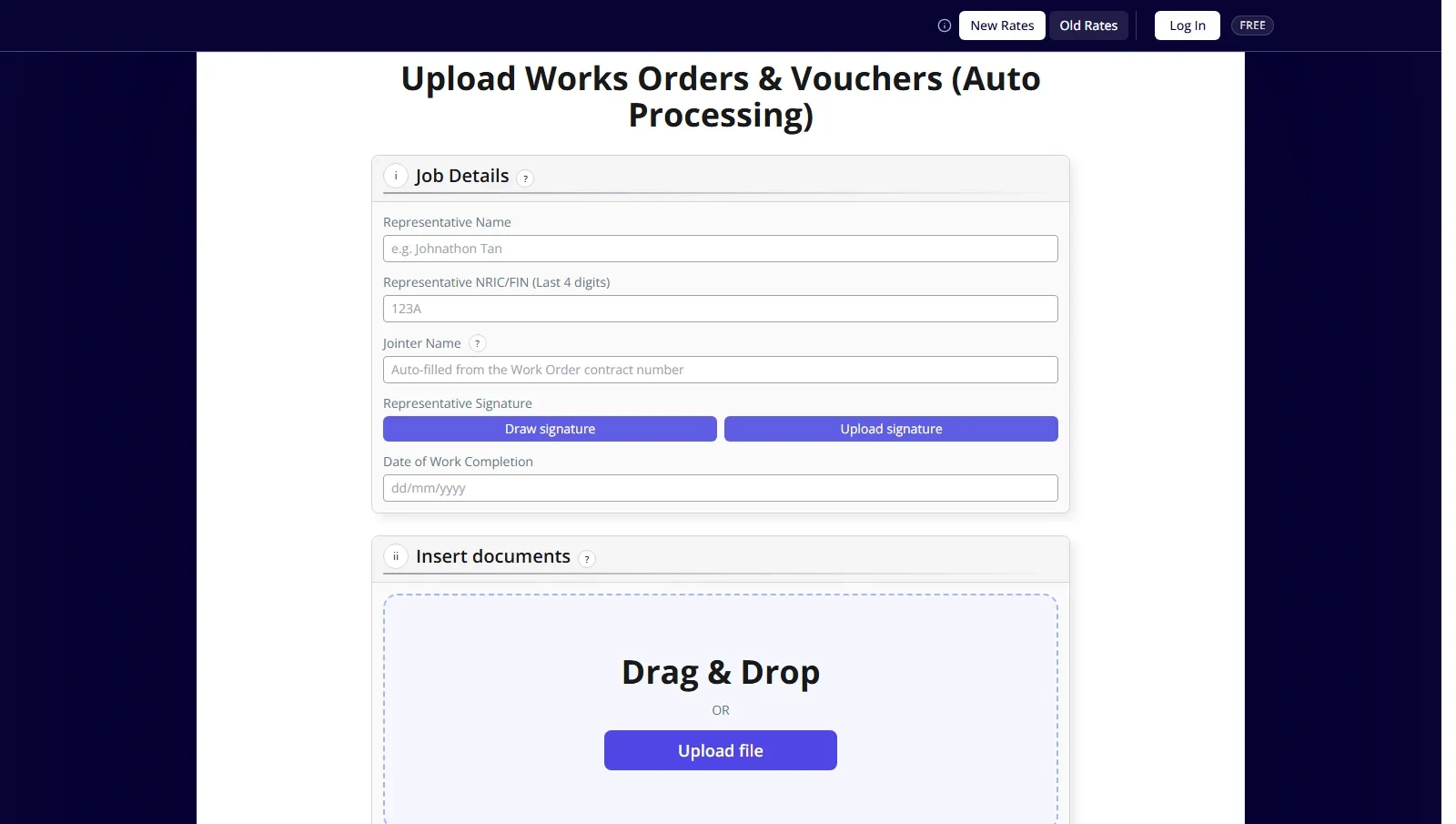
Singapore Electrical Contractor
Electrical engineering and infrastructure services · Custom web application
A custom web application that reads scanned work orders, fills in the forms and calculates cabling charges against the client’s rate list.

From S$1,500We reply within 24 hoursSME 500 Award 2026
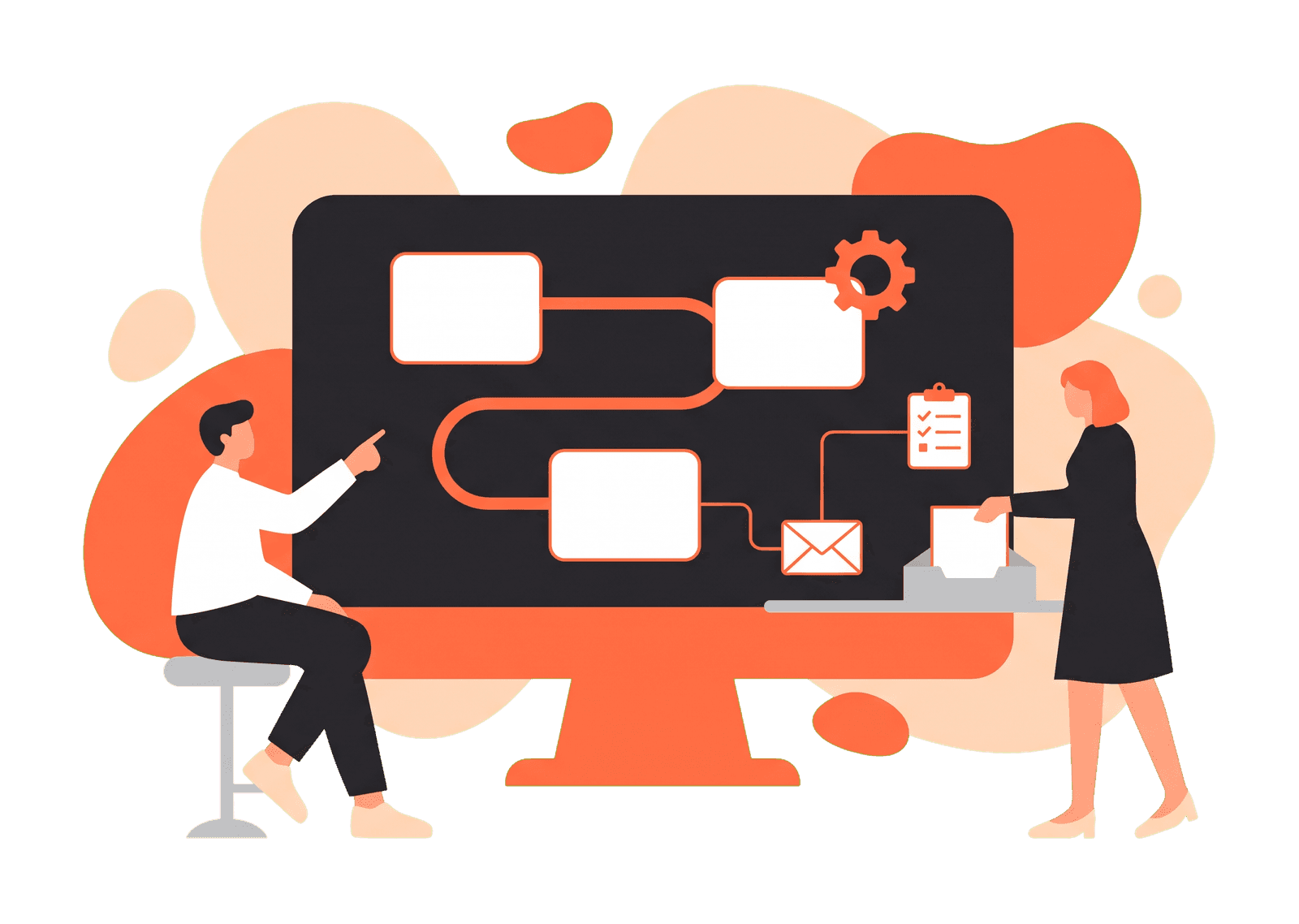
Take the repeatable steps off your team. We design and build workflows that move data, send the next message and update your systems when something happens.
Teams we’ve built for









Singapore Electrical Contractor
Electrical engineering and infrastructure services · Custom web application
A custom web application that reads scanned work orders, fills in the forms and calculates cabling charges against the client’s rate list.
Automation is a fit when the steps are repeatable and the trigger is clear.
When it runs
When someone remembers to do the step
What gets passed on
Copied between email, spreadsheets and other tools
Consistency
Depends on who does it and how busy they are
Your team
Spends time on the repeatable steps
When it runs
When the trigger happens, such as a form, order or record change
What gets passed on
Sent from one tool to the next with the fields you choose
Consistency
The same steps run each time, and exceptions can be flagged
Your team
Spends time on the cases that need a person
We write the automation for your exact steps, including the awkward ones: messy data, retries, and checks before anything is saved.
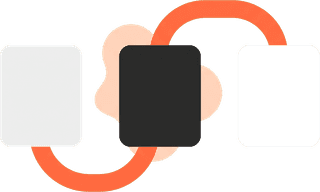
A workflow that starts when something happens and carries the work through the steps you define.
The tools you already use stay in place. The workflow moves the right fields between them.
Information that arrives in a form, file or sheet can be checked and written into the system that should hold it.

The next email, task or alert can go out when a step is done, instead of waiting for someone to notice.
Figures that your team currently copies into a report can be pulled on a schedule from the source.
A form on your website creates the lead in your CRM, such as HubSpot, sends the customer a reply by email or WhatsApp, and assigns a salesperson.
A paid Shopify or WooCommerce order creates the invoice in your accounting tool, such as Xero or QuickBooks, and updates stock counts.
How we automated order fulfilment for a game top-up storeSales, bookings or support numbers pulled from each system into one Google Sheet or dashboard before the team starts work.
Quotes, purchases and leave requests sent to the right manager, with reminders until they are approved and a record of who said yes.
Invoices and forms that arrive by email are checked and filed into the right place, with anything unusual flagged for a person.
How we automated work orders for an electrical contractorA signed customer gets the account, the welcome pack and the first-week tasks for your team, without anyone setting it up by hand.
We start from the steps your team actually takes, including the exceptions, and design the workflow around that.

Accounts, data and access remain with you. We connect what you already use rather than moving you onto a new system for its own sake.

You can see what the workflow does, which tool it talks to, and what happens when a step fails.

We confirm the triggers, the tools and the outcome with you, then agree the work before building starts.
We walk through the task, who does it today, which tools hold the data, and what should happen next.
We map the trigger, the steps, the fields that move, and the cases that should stop for a person.
We write the scripts, connect the agreed tools, and use a ready-made connector where one does the job.
We run examples you provide, including awkward ones, and adjust the steps before anything is relied on.
You get the workflow in your own account, with notes on how it runs and what to check if a step fails.
It is software that carries out a repeatable sequence when something happens. A form submission, a new order or a changed record can update the next system, send a message or create a task without someone doing each step by hand.
Mostly custom scripts. A script written for your process can handle the awkward parts, such as messy data, retries and checks before anything is saved, and you get the code at handover. We still use a workflow tool such as n8n when a few standard connections are all the job needs.
It depends on the tools you use and whether they offer a connection we can work with. We confirm your stack during discovery and tell you which steps can be connected and which need another approach.
Usually no. The point is to move work between the systems you already have. Replacing a system is a separate decision, and we would scope that on its own.
Tasks with a clear trigger and a repeatable set of steps, such as creating a record from a form, sending a follow-up, updating a sheet, or notifying someone when a status changes. Work that needs judgement on every case is a weaker fit, and we will say so.
Automation projects start from S$1,500. The price depends on how many steps the workflow has, which tools it connects, and whether a custom piece is needed. We review the process with you first, then confirm scope and pricing before work begins.
A small, well-defined workflow can be built once access to the tools is in place. Larger processes, with exceptions and several systems, take longer. We confirm a timeline with the scope.
Yes, through the WhatsApp Business Platform. Messages to customers follow WhatsApp’s template and opt-in rules, so we set those up with you before the workflow goes live.
On a server or cloud account in your name, so the automation and its data stay yours. We hand over the code, the logins and notes on how it runs and what to check if a step fails.
No. Business automation moves a fixed process between your tools: when an order comes in, create the invoice. Business AI handles work that needs reading or judgement, such as answering a question from your documents. A project can include both, and we scope them separately.
Describe the steps, the tools involved, and what should happen next. We can talk through whether a workflow is the right fit.
